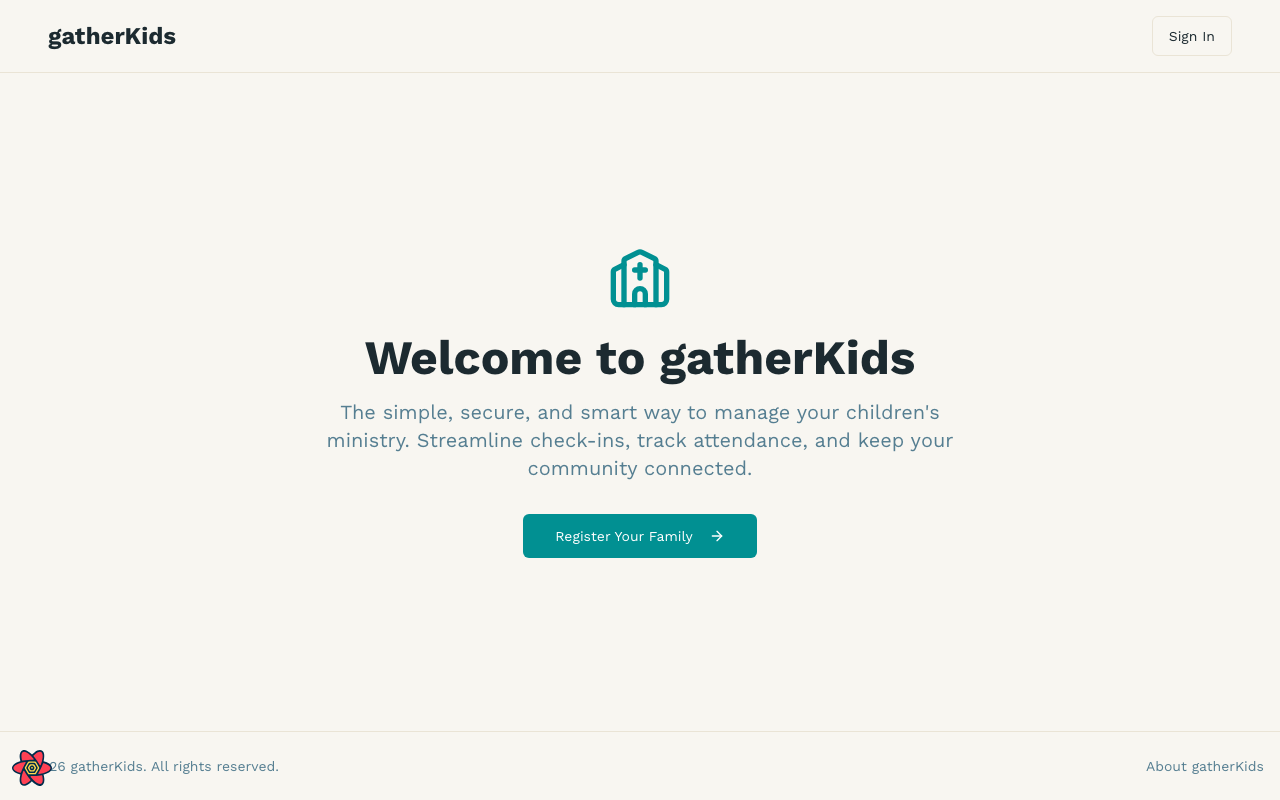
Welcome to gatherKids
gatherKids helps Cathedral International’s Youth Ministry register families, check children in and out, and keep ministry leaders organized.
Who uses gatherKids?
- Parents and guardians register a household, add children, and enroll in programs.
- Ministry leaders check children in and out, view rosters, and record incidents.
- Administrators configure ministries, registration cycles, and branding.
Quick start
Families
- Open gatherKids and choose Register Your Family (or Sign In if you already have an account).
- Complete household, child, and ministry enrollment details.
- After you submit, sign in later to review your household. Programs from more than one registration year appear in an accordion on the household page — the newest year is expanded.
Ministry leaders
- Sign in with the email your administrator assigned.
- Open Check-In to process arrivals, or Rosters to see who is enrolled.
- Use Incidents if something needs to be documented and followed up.
Returning this year?
If your family registered before, sign in first. gatherKids recognizes your household and shows a Welcome Back registration so you can confirm details instead of starting from scratch. See Register your family.
Getting help
- This User guide covers everyday tasks.
- Release notes list user-facing changes in each version.
- Staff with access can also open the user guide from the version label in the sidebar footer.