Register your family
Registration collects household contacts, children, and ministry enrollments for the current registration year.
New families
- From the home page, choose Register Your Family.
- Sign in or create an account when prompted. You must be signed in to submit.
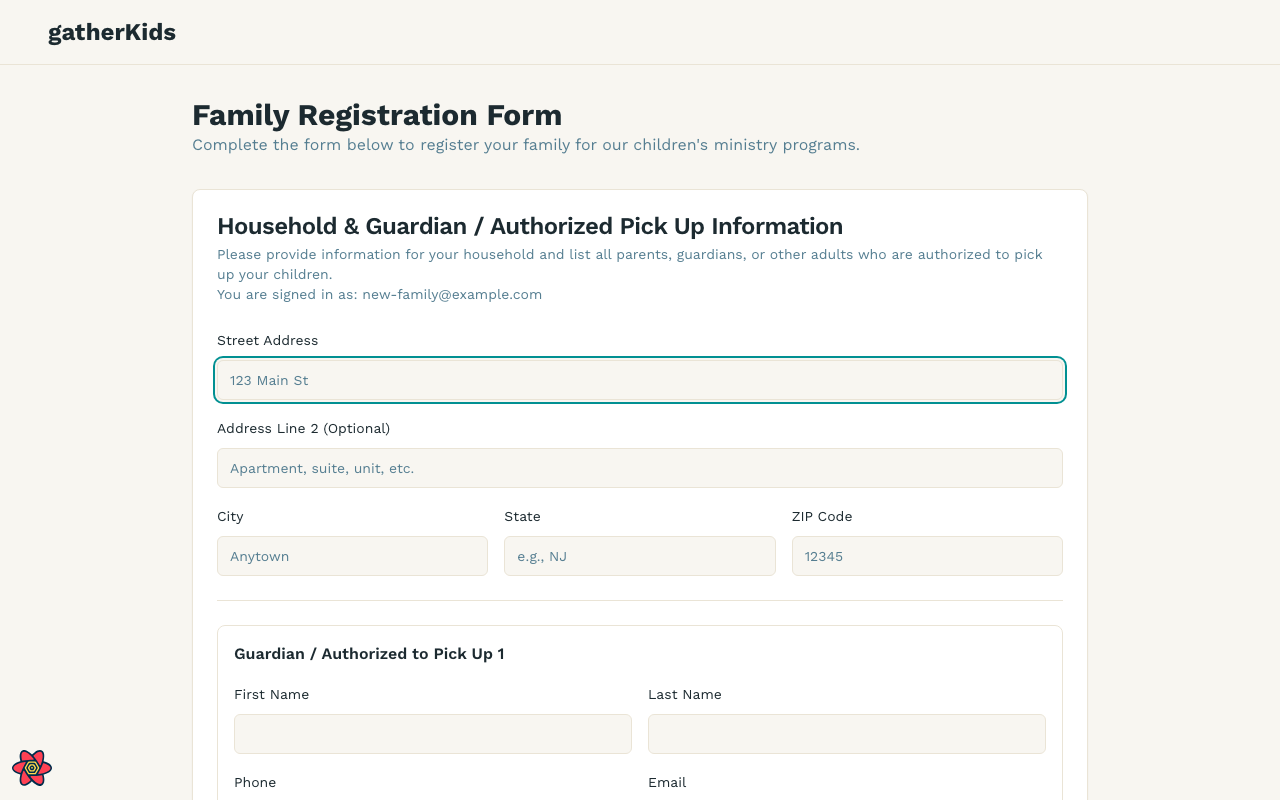
- Enter the household address and at least one guardian.
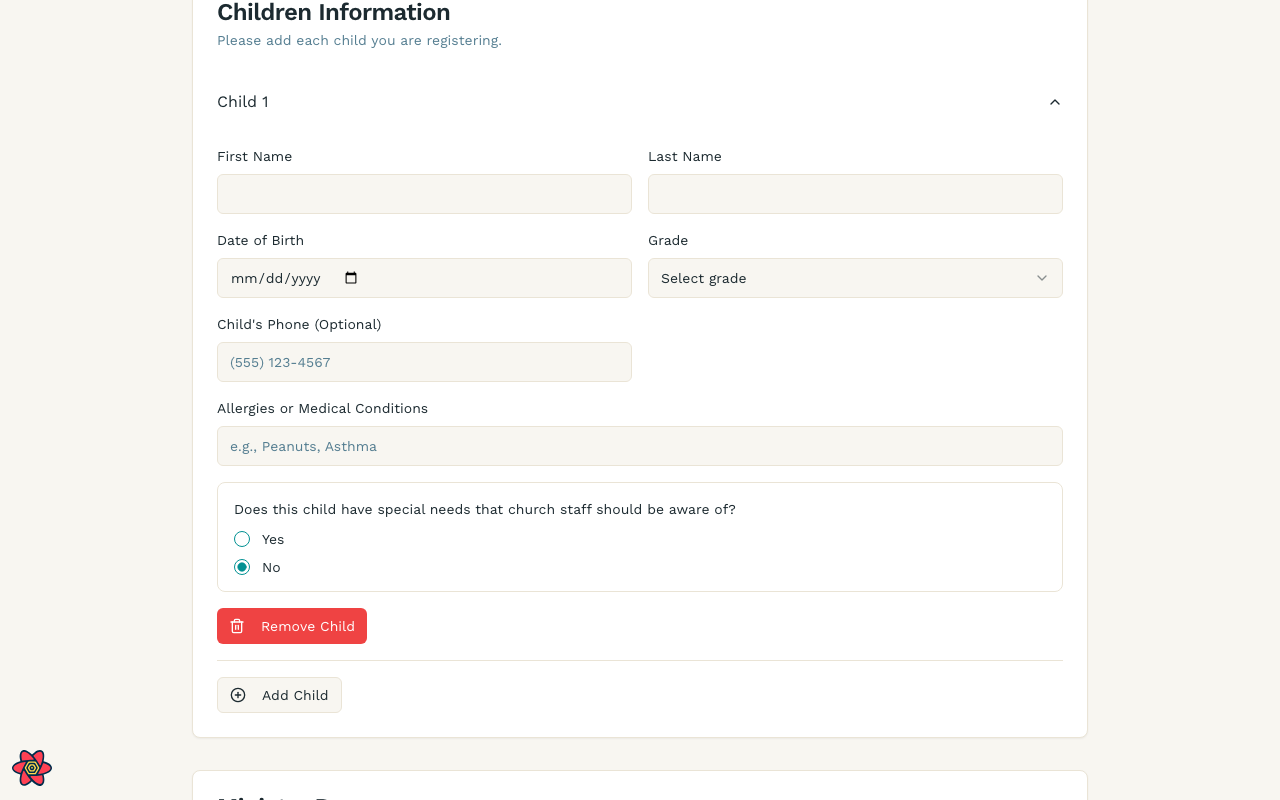
- Add each child, including allergies or special needs ministry leaders should know.
- Choose ministries (enrolled or interest-only, depending on the program).
- Review consents and submit.
The form heading is Family Registration Form. Fields start empty because gatherKids does not already have your household.
Returning families
If gatherKids already has your household:
- Sign in with the same email you used before.
- You will land on registration (if this year’s cycle is still open) or your household page (if you already submitted this cycle).
- Look for Welcome Back / Returning family registration. Names, children, and many answers are filled in so you can confirm or update them.
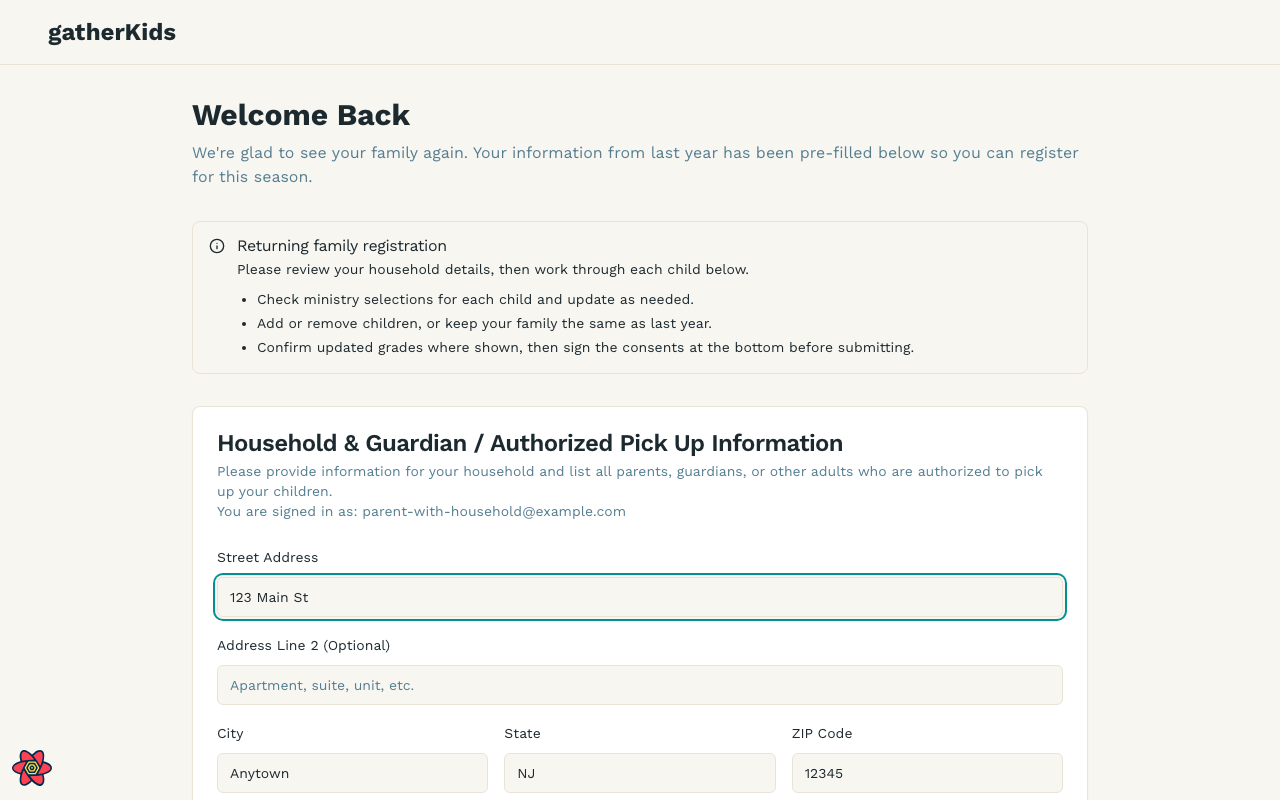
You do not need to create a second household. If something looks wrong, update it on this form rather than registering again as a new family.
After you submit
- You can open Household later to review children and program enrollments.
- Enrollments from previous registration years stay visible in the household accordion. See Manage your household.
Tips
- Use a real email you can access — it is how you sign back in.
- Keep allergy and pickup notes current before Sunday check-in.
- Children can join more than one ministry when the program allows it.