Check children in
- Sign in as a ministry leader or administrator.
- Open Check-In.
- Choose the event if prompted.
- Find the child (search by name if the list is long).
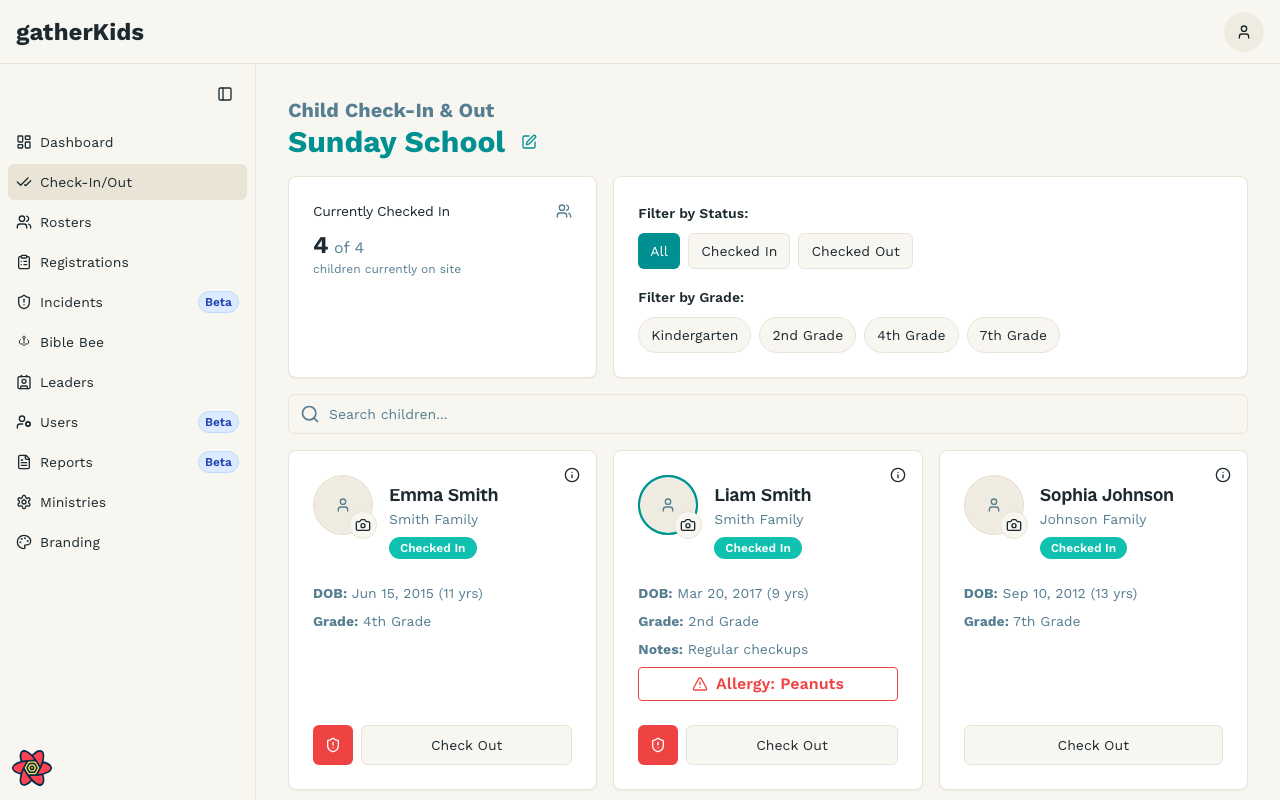
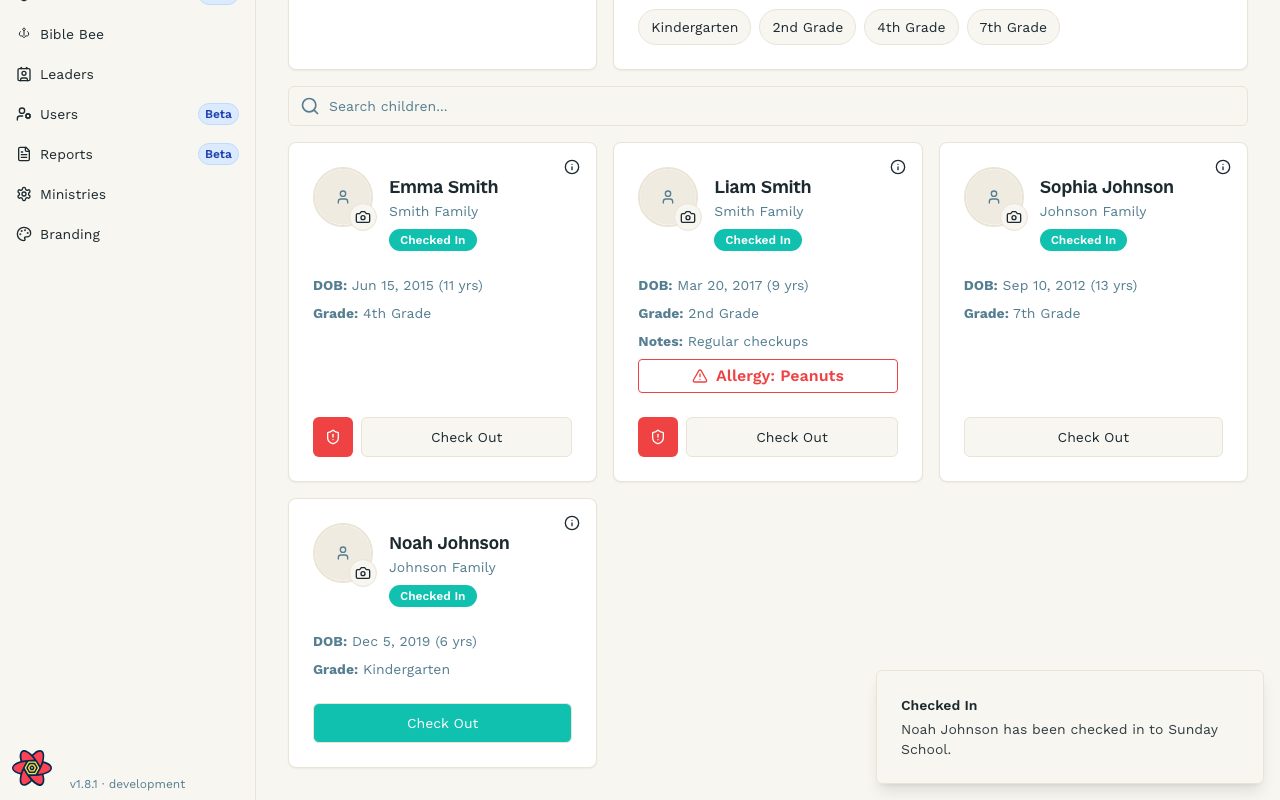
- Review allergy badges and notes on the card.
- Select Check In.
Filters
Use status filters (All, Checked In, Checked Out) and grade filters when the room is large.
If a family is missing
They may not be enrolled in this ministry or this registration cycle. Ask an administrator to confirm the household registration rather than checking in from memory.