Enrollments
During registration, families pick a participation level for each eligible ministry.
Enrollment types
- Enrolled — the child is expected at the program; they appear on the roster and at check-in.
- Interest only — the family is exploring the program. Leaders can follow up without treating the child as a regular attendee.
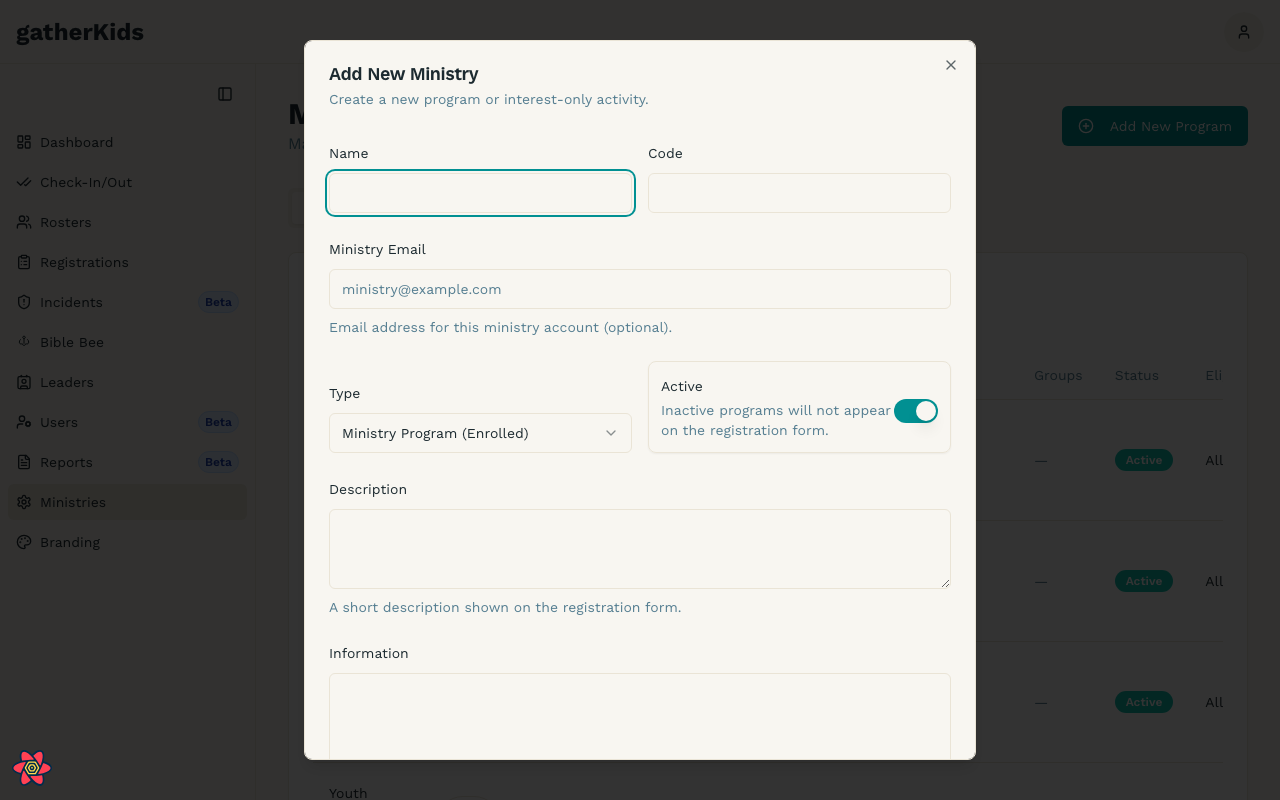
Which options appear depends on how the ministry is configured. See Program setup.
Where to review
- Rosters — who is enrolled in a ministry
- Household (guardian) — enrollments grouped by registration year
- Ministries (admin) — program settings that control what families can choose